Copy and paste the India flag emoji
Copy 🇮🇳 to use the India flag emoji in a message, document or web page. If the button is unavailable, select the flag text in the box and copy it directly. Both methods give you the same pair of Unicode characters.
Use the standalone line when you need just the flag. On a desktop, select the symbol and use your usual copy command. On a phone, use the text selection controls if your browser offers them, and adjust the handles to cover the whole symbol. Paste into the destination and check for any extra spaces or line breaks, especially if you are putting the flag immediately before a name.
If selection is awkward on your device, try copying a short stretch of text that includes the flag. Paste it into an editable field, remove the surrounding text and copy the remaining symbol. Where the source shows two indicators, select both together. They form the India flag sequence in that order, so cutting the selection short changes what you put on the clipboard.
You want a group chat message to begin with “🇮🇳 India”. Paste the flag at the start of the draft, add a space and type India. Check the draft before sending. If the chat shows a fallback, the country name still gives everyone the intended meaning. Keeping the name also helps when someone reads the message elsewhere, such as in a notification preview or a forwarded copy.
If the destination has an emoji picker with search, try “India” and inspect the result before inserting it. This is handy when your browser makes the flag hard to select. The standalone text above also gives you something to paste when a picker is absent, lists several similar results or is difficult to navigate.
What you copy at the Unicode level
The flag sequence consists of U+1F1EE followed by U+1F1F3. These are regional indicator code points corresponding to I and N. Unicode lists them in that order for India. A code point identifies a character in Unicode, and software that supports the pair can show the sequence as one flag. The clipboard can carry both characters even when the selection looks like one symbol.
Typing ordinary capital letters “IN” gives you two Latin letters. Typing “U+1F1EE U+1F1F3” gives you the written names of the code points. Both can be useful when discussing the emoji in a bug report or documentation. When the task is to put the flag into a message, copy the displayed emoji or insert it with a picker. That gets the two regional indicators into the text.
You are documenting a display issue and want a colleague to test the same input. Include “🇮🇳” so they can copy it, then give the expected code points as U+1F1EE and U+1F1F3. Your colleague can compare both the display and the stored sequence. The code points remain useful if their copy of the report already shows a fallback.
If a field has a tight length limit, try the flag in the actual field and check whether it survives saving. One visible symbol can contain multiple code points, and the field’s own rules determine what it accepts. For a field with meaningful text already at the limit, keeping the text intact is the clearest choice. The flag can go elsewhere if there is a suitable display field.
The Unicode Emoji 16.0 sequence data calls this pair “flag: India” and annotates it E2.0, for Emoji 2.0. The Unicode proposal table separately traces the sequence to proposal L2/09-379. Use the annotation for a statement about the emoji standard. Dating a phone, operating system or social app’s own rendering requires evidence from that product. Readers can check the code point sequence regardless of when a particular app first displayed it.
Why the flag can look different across apps
Unicode specifies the region identified by the sequence and leaves flag rendering to platforms. The same characters can therefore appear as flag artwork in one place and as two indicators or another fallback somewhere else. Even where a flag appears in both places, its exact artwork is a platform decision. Copying the emoji as text carries the sequence, so the destination can draw it in its own style.

That difference matters when you prepare something for other people. A message composer shows what you see while editing. The published view or a recipient’s view may use a different display environment. For a shared page or document, open the finished version in the environment your readers actually use when you can. This is especially useful when the flag carries information that the surrounding words leave implicit.
A community organiser labels a group “🇮🇳 India” and previews it on a phone. The flag appears there. A volunteer opens the same group on a desktop and sees two indicators beside India. Their screens alone give no reason to replace the text. If inspection confirms the expected pair in the saved label, both screens are rendering the same country marker in different ways.
If exact visual appearance matters for a designed asset, decide whether an emoji suits the job. An image can supply fixed artwork when you have a suitable asset and the rights to use it. The emoji remains useful for a caption readers may want to copy. Treat a screenshot showing one flag design as evidence of that rendering in its own environment.
Check a fallback or a changed result
Start by pasting the same copied flag into an ordinary text field and into the destination that concerns you. Compare what appears before and after saving, if saving is part of the task. If you can inspect the saved text with a Unicode-aware viewer, compare its sequence with U+1F1EE followed by U+1F1F3. This tells you whether the stored text still contains the pair even when a visual check is ambiguous.
| What you observe | What to check |
|---|---|
| Two indicators or a fallback appear | Inspect the saved text for both regional indicators in the expected order. |
| Only one indicator survives | Copy the full symbol again and compare the pasted draft with the saved value. |
| The flag changes after saving | Open the saved view and check whether the underlying sequence changed or only the display did. |
| The artwork varies across devices | Check each device’s display if consistent artwork is important. |
If the expected pair remains intact, you can leave the text in place and add “India” where the meaning needs to be explicit. If the saved value is missing a character, try a fresh copy of the standalone symbol and check again. When a field repeatedly drops the sequence, use the country name if the task allows it. A field meant for a country code should use the format specified by that field.
A shared registration sheet accepts the flag while a cell is open for editing. The exported text later shows two indicators. Check the exported value first. If it contains the expected pair, test the application opening the export. If the value differs, compare the saved cell with the export to see where it changed. Keep an explicit India label if readers need to identify the country from either view.
Compatibility can change with software updates. To verify a current claim, record the app, operating system or browser version, and the view you checked, such as the composer, published page or export. Run the same paste again after an update that matters to your audience. The Unicode chart can verify which characters to test. The result in the specific environment establishes what displayed there.
Choose between the flag, the name and the code
A flag works well as a compact visual cue when the surrounding context already establishes the country. Where readers need to identify India from a label alone, “India” makes the meaning explicit, and “🇮🇳 India” combines the name with the visual cue. For a searchable directory or a spreadsheet, ordinary country names also give readers a predictable term to type into a search box.
An event directory has a column labelled “Location” and a separate column labelled “Languages”. An entry can use “🇮🇳 India” in the location cell and spell out its actual language offerings in the language cell. The flag sequence identifies a region. Use the specific language name for a language option, even when the content is intended mainly for people in India.
Use plain “IN” when a destination explicitly calls for that country code. A text field that accepts the emoji and a structured field that expects letters serve different purposes. Example. If an import template asks for “IN” in a country code column, type those letters there. A public display label elsewhere in the same project can include the flag if the interface supports it.
For an interface where people choose a country, give the control a readable country name. If the flag appears beside India, check that the label makes sense with whatever the intended assistive technology announces. Test the published control in the relevant language and software. A transcript of the announcement from that setup gives a firmer answer about the user experience than the emoji’s visible shape.
India’s official languages, national language and the 22 scheduled languagesHello, thank you and welcome in Indian languages
How websites can keep the flag copyable
For a webpage, place the literal 🇮🇳 in selectable HTML text and keep it visible on its own line or in its own text element. Put a button labelled “Copy India flag emoji” beside it if the page adds clipboard support. The text gives readers a manual path when scripting is unavailable or the browser declines clipboard access. It also provides something they can inspect before copying.
Have the button copy just the two regional indicators in their documented order. Keep labels, spacing and status text outside the copied value. A short confirmation such as “Copied” belongs after the browser reports success. If the copy attempt fails, tell the reader to select the visible emoji and copy it manually. Keep that symbol reachable by ordinary text selection throughout the interaction.
To check copied text, paste into a blank field and inspect U+1F1EE followed by U+1F1F3 with no surrounding characters. This page copies the visible Unicode text directly when the browser allows clipboard writing. A website can verify select-and-copy with scripting disabled and confirm that a denied permission leaves the symbol on screen. Readers may still see different artwork after pasting, since the destination controls the rendering.
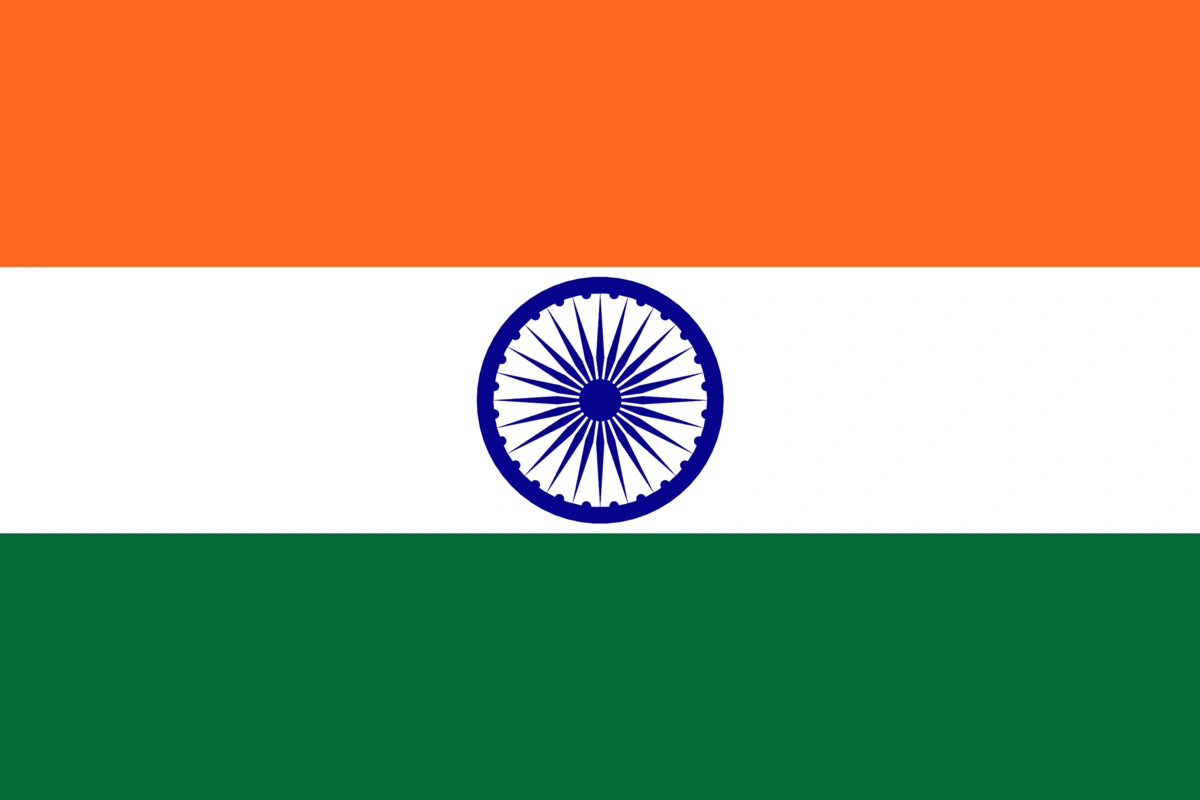
The Constituent Assembly adopted the physical tricolour on 22 July 1947. The government describes three equal horizontal bands, saffron, white and green, and a navy Ashoka Chakra with 24 spokes. The physical flag has a 3:2 length-to-height ratio. Use that institutional description when discussing the actual flag. The Unicode sequence identifies the country, while a platform’s emoji artwork can use rounded edges and its own proportions.
India Republic Day on 26 JanuaryIndia Independence Day on 15 August
- Unicode Consortium: Full Emoji List
- Unicode Consortium: UTS #51 Unicode Emoji
- Unicode Consortium, machine-readable Emoji 16.0 sequence data
- Unicode Consortium, emoji sequence provenance table
- Parliament Digital Library, Constituent Assembly debate on the national flag, 22 July 1947
- Government of India reference annual, national symbols chapter
Sources
- Unicode Consortium: Full Emoji List
- Unicode Consortium: UTS #51 Unicode Emoji
- Unicode Consortium, machine-readable Emoji 16.0 sequence data
- Unicode Consortium, emoji sequence provenance table
- Parliament Digital Library, Constituent Assembly debate on the national flag, 22 July 1947
- Government of India reference annual, national symbols chapter
- Visual candidate — Twemoji 12 vector rendering of the India flag emoji