Enter the total sender debit, the sending-currency charge included in that debit, and the quoted rupees per CAD. Enter a zero recipient deduction when the provider confirms zero. Leave it blank when the deduction is unknown.
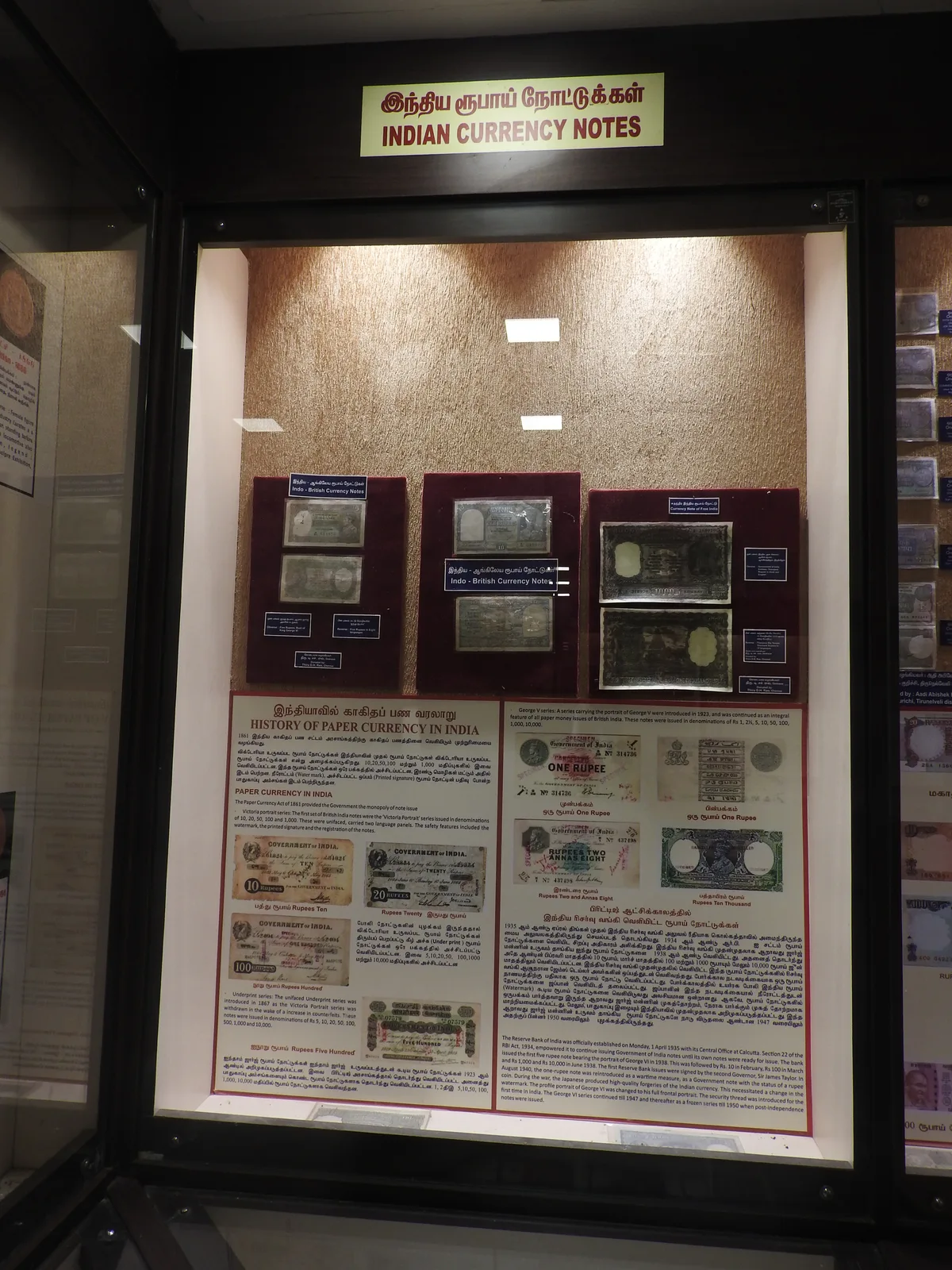
Historic currency on display at Government Museum, Chennai, January 2025. Resized. · Yercaud-elango · CC BY 4.0
Compare what arrives for the same Canadian dollar budget
To send money from Canada to India, compare how many spendable rupees the recipient would get for the same total debit in Canadian dollars. Get quotes close together for the same payout method, then choose an option that meets the recipient’s deadline and shows which charges are included.
Start with the amount you can spend in Canada or the amount the recipient needs in India. A fixed Canadian budget calls for comparing INR payouts. If the recipient needs an exact sum, enter that payout wherever the quote form allows it and compare the total CAD each provider would debit. An attractive exchange rate can still leave the recipient short if a fee comes out of the amount sent or received.
The Financial Consumer Agency of Canada says federally regulated financial institutions must disclose their transfer fee. An intermediary or a provider on the receiving side can charge separately. Read the fee and payout fields together, and check whether the quoted rupees already account for any disclosed deductions. If you cannot establish a third-party charge, keep it marked as unknown when comparing offers.
Record when you pulled each quote, how you would pay in Canada and how the recipient would collect in India. A bank deposit quote and a cash pickup quote answer different needs. If you can use either, make a separate comparison for each route, then decide whether any difference in payout justifies the extra collection effort or a longer wait.
Funding describes how CAD leaves you. Payout describes how INR reaches the recipient. Interac e-Transfer can be a funding choice in Canada, while local bank deposit, cash pickup and UPI are payout choices in India. Choose the Indian route first if the recipient has a clear preference or only one practical way to receive the money. Then compare the Canadian payment options available for that route.
Remitly’s Canadian corridor page lists Indian bank deposits, cash pickup and UPI. Western Union’s Canadian corridor page lists bank deposits and cash pickup, and its separate Canadian UPI page identifies India as an available destination within that product’s scope. Western Union’s online, card and eligible agent payment choices concern the sender. A payout method appearing on a product page is a reason to look for it in the quote for your specific transfer.
If a relative needs to pay a bill from their Indian bank account, a cash pickup quote solves only part of the problem. They would still need to collect the money and make it available for the payment. Compare a direct deposit with UPI if the recipient can use both, and ask when the funds need to be usable. For someone who needs physical cash, check the specific pickup option and its availability before treating the delivery estimate as the time they can collect.
Divide net INR paid out by total CAD debited to get the effective INR per CAD. Before sending, use the quoted payout and debit to calculate an estimate. Include a separate transfer fee in the CAD total, or use the provider’s fee-inclusive total as shown. Deduct a known receiving charge if it is still outside the displayed payout. If that charge is unknown, label the result as provisional and keep the missing amount visible.
Suppose one service quotes ₹64 per C$1 with a C$10 fee for a C$1,000 total budget. It converts C$990 and delivers ₹63,360 before any receiving charge. Another quotes ₹63.50 with zero transfer fee and converts the full C$1,000, giving ₹63,500 before any receiving charge. With no further deductions in either hypothetical quote, the second delivers ₹140 more. Their effective rates are ₹63.36 and ₹63.50 per C$1.
For a fixed INR target, the same worksheet works in reverse. Record the CAD debit required for each quote to reach the target after any known deductions. If a provider only accepts a send amount, adjust it until the displayed payout reaches the target, then check the final debit. This avoids relying on a headline rate to predict the cost when the quoted total includes a fee.
Record the CAD send amount, transfer fee and total CAD debit in separate fields.
Copy the stated CAD-to-INR rate and quoted INR payout from the same quote.
Mark any intermediary or recipient charge as included, separately stated or unknown.
Record the funding method, payout method, delivery window and quote time.
The calculator takes the total amount charged to you. If the provider quotes C$1,000 as the amount converted and charges an additional C$5, enter C$1,005 as the total debit and C$5 as the included fee. If you have a C$1,000 budget including the same fee, enter C$1,000 and C$5 instead. Keep a recipient deduction blank while it is unknown. The tool then gives the amount before any recipient deduction.
The Bank of Canada’s daily table gives Canadian dollars per unit of foreign currency. On 25 November 2026 it listed C$0.01542 per ₹1. Dividing one by that figure gives approximately ₹64.85084 per C$1. Label that comparison figure with its date and the fact that it was obtained by inversion. Keeping the units in the worksheet helps avoid putting a small CAD-per-rupee figure beside a much larger rupees-per-CAD quote.
The Bank of Canada calculates indicative averages from aggregated financial institutions’ quotes and normally publishes them each business day by 16:30 Eastern. When checking again, look for the latest published observation and record its date. A quote requested earlier in the day can be newer than the latest posted benchmark. The reference describes the currency market at the published observation, with no transfer fee or recipient deduction built in.
Keep the reference figure beside the provider’s stated exchange rate and the effective payout rate in distinct fields. The stated rate shows how the provider prices conversion. The effective figure incorporates the known charges that affect what arrives. If you compare a quote to the reference, preserve both dates. A difference across observations taken at different times also reflects whatever the exchange market did in between.
Check how the payment method changes the Wise quote
Wise’s Canadian page displayed four different costs for its C$1,000 example on 26 November 2026. The listed cost was C$6.60 from a Wise balance, C$13.48 by Interac e-Transfer, C$18.79 by debit card and C$33.52 by credit card. The credit card row was C$26.92 above the balance row. Each figure describes the published cost for that funding choice in the example.
The same page described the balance as cheapest while also displaying lower figures for bank transfer and direct debit. That inconsistency prevents a reliable ranking across the full set of funding choices. Open the quote for the method you can use and capture the total debit, delivered INR and timing together. Combining the fee from one row with a payout displayed for another can give you a result that no available payment method offers.
If you can pay by Interac e-Transfer or debit card, get both complete quotes with the same CAD budget and Indian payout route. The displayed fee difference for those two methods was C$5.31. Check whether the current quotes show a comparable difference in the rupees delivered and whether both estimates meet the recipient’s deadline. The public example documents how much the listed funding costs varied on that date.
Check Remitly’s introductory rate against your own quote
On 26 November 2026 Remitly’s Canadian page displayed ₹65.95 per C$1, advertised the first three transfers with no Remitly fee and applied promotional exchange pricing for new customers to the first C$2,000. The displayed rate was tied to bank account or Interac e-Transfer funding. The public widget had no positive amount entered, so the banner gave no confirmed INR payout for a specified transfer amount.
The campaign terms gave a scheduled window from 23 November 2026 at 16:00 Pacific to 31 December 2026 at 15:59 Pacific, subject to change and eligibility. Check the terms shown with your quote and confirm that the rate, fee and payout all apply together. If you are comparing repeat transfers, request a rate and fee that apply to an existing customer. The advertised number of fee-free transfers and the amount eligible for promotional FX are separate conditions.
For a planned C$2,500 transfer, the advertised exchange rate alone leaves the pricing above the C$2,000 promotional amount unresolved. Enter the full transfer and use the total rupees shown for the chosen payout method. If the comparison includes both welcome and standard pricing, save the eligible first-transfer quote for the immediate decision and use separately obtained repeat-customer quotes to estimate the cost of sending again.
Identify the ICICI channel before using its fee or limits
ICICI Bank Canada’s Money to India service through online banking lists C$5 per online transaction for account holders and a limit of C$9,000 in 24 hours. It also lists a ₹200,000 limit per IMPS transfer, with larger transfers routed by NEFT or RTGS. The bank says ICICI India accounts and applicable IMPS-enabled accounts can be credited immediately and gives up to 48 business hours for NEFT or RTGS.
The separate Money2India platform advertises funding by Canadian bank-issued debit card or ICICI Bank Canada account. Its published Canada tariff showed ₹63.99 per C$1 and zero listed service charge on 25 November 2026 at 17:00 IST. The table says rates can change. The zero in that dated tariff applies to Money2India’s listed service charge and leaves any third-party charges unverified.
If the recipient needs ₹210,000 and you are considering the Canadian account channel, the amount exceeds the published limit for one IMPS transfer even if it fits your Canadian dollar allowance. Check which route the bank quotes for the full amount and whether that route’s delivery window fits. For a Money2India quote, verify the platform’s own rate, fee and delivery estimate using the actual funding method.
The 25 November 2026 ICICI Money2India schedule uses 17:00 India Standard Time as its timestamp. A central bank end-of-day reference or a provider banner observed the following day represents a different observation. An apparent gap can reflect the timing as well as the channel and costs. For a rate comparison you will actually use, collect all quotes within the same session and keep their expiry times.
Verify the provider and the delivery window before paying
If you are checking a money-services business or foreign money-services business, find the legal entity in the provider’s Canadian terms and search FINTRAC’s public registry for that name. The registry lists registration information and status by entity. A brand can be easier to recognize than the legal name, so compare the returned entity with the name in your transfer terms. FINTRAC describes registration as a requirement under Canadian law and distinguishes it from endorsement or licensing by the regulator.
Read the delivery window for the route shown on your quote. If the estimate uses business hours, check how the provider applies them to the day you plan to pay and the date the recipient needs the funds. The published ICICI account-channel difference between applicable immediate credits and up to 48 business hours on NEFT or RTGS makes the selected route material to that decision.
Before approving payment, check the latest debit and payout on the confirmation screen. If either changed since you compared providers, calculate the effective rate again using the new figures. Save the confirmation with the transfer reference and delivery estimate. If the recipient reports a different amount, compare it with the quoted payout and the record of any disclosed deductions before asking the provider to explain the difference.