Verify the claim before you pay
Spot travel and payment scams in India by checking an unexpected fee, booking change or refund request against the official service or the record you already hold before you pay. If money has already moved, contact the provider that handled the payment immediately and, for financial cyber fraud in India, call 1930 or use the National Cyber Crime Reporting Portal.
Start with what the caller or message wants you to do. A demand to pay quickly, use an unusual payment method or accept vague booking terms gives you a reason to pause. Ask what the payment covers, who will receive it and which booking it will update. Ask for enough detail to compare the answers with your own confirmation. A seller who can name your hotel, journey or booking still needs to establish that they control the reservation or are authorized to collect the money.
Open the app or website you used to book, or find the service’s contact details independently. Check whether your record shows the claimed change, charge or cancellation. If the record cannot answer the question, give the verified support channel the booking reference and ask what action is due. Details copied into a message can sound precise even when its instructions lead to a different recipient. Keep the conversation that prompted the check so you can refer to the exact request.
For an offer you have yet to book, check the seller and the terms together. Confirm who will provide the service, which dates and locations the price covers, and how you will receive confirmation. For travel across borders, include the direction of travel when matching an itinerary. The outbound leg and return leg may have different records or providers, so a real confirmation for one leg leaves the other claim open.
Check extra fees against your e-Visa application
For an Indian e-Visa, start with the Government of India’s Indian Visa Online service and choose its e-Visa area. The official FAQ directs applicants to government checks for the applicable fee and payment status. Use the fee check to find out what the application should cost and the payment-status check to see what the service records for your application. The distinction matters when a message uses the existence of a fee to suggest you still owe it.
Suppose you paid during the official application and then received an unsolicited message saying that a second payment is needed to complete it. Reopen Indian Visa Online independently and compare the official fee and payment status with your original confirmation. If the records leave a question about what happened, use the help route on the government service to clarify it before sending money or passport details. An agent’s website, a search ad or a message discussing your case cannot establish official affiliation by itself.
Identify the application channel before interpreting what you see. The e-Visa FAQ applies to the online e-Visa process. If you applied for a paper or sticker visa through a consulate or an outsourced application centre, use the official instructions for that particular application channel. Keep the original application confirmation handy so you can tell which process you used, especially when an unexpected message simply calls itself a visa update.
Verify a rail seller and find the right ticket support
IRCTC publishes lists of authorized principal service providers by channel scheme. The March 2026 edition gives you a dated reference, so look for the current edition through IRCTC before paying. Compare the seller’s legal name and channel scheme with the listing. IRCTC’s e-ticket materials distinguish authorized agents from people who sell reservations through personal logins. A seller’s claim that they can make a booking tells you little about which arrangement they actually use.
A matching company name answers one question about authorization. You still need to know whether the person, site or payment channel in front of you belongs to that company. If a seller invokes a listed provider’s name but asks you to pay through a separate channel, check with the listed organization using contact details you obtained independently. Ask whether it recognizes both the seller and the payment route for the booking. Similar names or matching branding leave those questions unresolved.
For a ticket you already hold, open IRCTC’s official contact page and choose the route for the underlying issue. It lists support for online rail tickets and distinct routes for e-ticket cancellation and Ticket Deposit Receipt matters. If someone contacts you about releasing a refund or changing a ticket, use the relevant route to check the ticket record and ask whether any action is required. RailMadad handles railway journey concerns. For an issue about the status of an IRCTC e-ticket or its cancellation, start with IRCTC’s ticket support.
Check your Delhi Airport pickup and destination
Delhi Airport lists taxi and app-cab options around the clock at its terminals. Its published table places the pickup points for Terminal 1 and Terminal 2 outside their respective arrivals zones and the Terminal 3 pickup on Level 0 of the multi-level car park. Check the airport’s current table and follow the signs at the terminal where you actually arrive. Use the terminal on your arrival information rather than a pickup point someone sends you without establishing which terminal it serves.
The pickup location helps you evaluate a claim that the usual service has moved or closed. Airport staff and current signage can help resolve an on-the-day change. The destination needs its own check. Open the original hotel confirmation or the hotel’s own site and match the full address before agreeing to the trip. A familiar property name gives you less to work with when a hotel has multiple locations or when a driver proposes an address you did not book.
Suppose you arrive at Terminal 3 and someone offers a ride from a different level while saying your hotel has moved. Check the airport’s current pickup directions for the first claim and contact the hotel through your original booking or its own published number for the second. Ask the hotel to confirm the address for your reservation. If the pickup is legitimate and the address checks out, you can compare the offer with the airport’s listed options using the destination and pickup point you have confirmed.
| Traveller task | Official verification point | Detail to match |
|---|---|---|
| Pay for an Indian e-Visa | Government of India e-Visa site | Your visa category, correct published fee and government application record |
| Confirm an online railway seller | IRCTC list of recognised principal services | Exact firm name and edition of the public list |
| Meet a cab at Delhi Airport Terminal 3 | Delhi Airport cab pickup page | Terminal 3 Level 0 in multi-level car park, plus current terminal signs |
Read the direction of a UPI payment before authorizing it
The National Payments Corporation of India distinguishes receiving money normally from authorizing a payment with a UPI PIN. If someone says you must scan a QR code and enter your PIN to receive money, stop and read what your app is asking you to do. A screen showing a payee and an amount for an outgoing payment requires a decision about sending money. Authorization still sends money even if a caller describes the step as activating or confirming a refund.
Suppose a seller contacts you after a cancelled booking and sends a QR code they say will release your refund. If the app opens a payment screen naming a recipient and asking you to approve the amount, close it. Check the cancellation through the original booking channel and ask the payment provider through its own support channel how the refund should appear. Once the provider tells you what to look for, use the transaction record to check whether money has actually come back.
When you intend to pay, compare the payee and amount displayed by the app with the recipient and price you established independently. If the displayed name is unfamiliar, ask the seller through a contact you have verified to explain the connection before you approve the payment. Keep your UPI PIN and payment one-time passwords private, including when someone calls claiming to be from a bank or a travel company. Read the authorization screen yourself, even when someone on the phone is telling you which button to press.
Respond quickly to financial loss or a physical threat
If you face a physical threat or emergency in India, call 112 and move to staffed help when it is safe to do so. If the problem is a payment, tell the bank or payment provider promptly through its official channel. Explain what you believed you were paying for and whether you approved the payment yourself or discovered it afterward. Give the provider the transaction reference and ask what it can do about the payment and whether you need to secure the account.
For financial cyber fraud in India, call 1930 for help filing a cyber complaint or use the National Cyber Crime Reporting Portal. Contact the financial provider promptly while taking the public reporting steps. You can give each channel the transaction details it needs as you reach it. Waiting for an insurance decision or a seller’s grievance process delays the point at which the payment provider learns what happened. A complaint reference documents the report. Recovery depends on what can be done with the payment.
Keep the amount, transaction reference and local time together with your original booking confirmation and the correspondence that prompted the payment. Save the reference for each report so you can match later contact to the case you opened. Submit evidence through the provider’s or authority’s official private channel. If your insurer needs a local police report, ask the insurer what documentation it requires and request a report from local police where appropriate. The cybercrime complaint, payment case and insurance claim each have their own record.
| Situation | Channel | What to ask for or record |
|---|---|---|
| Physical threat or emergency in India | 112 and nearby staffed help when safe | Give your current location and describe the immediate threat |
| Money sent or an unfamiliar debit found | Bank or payment provider through its verified channel | Provide the transaction reference and ask about available payment or account measures |
| Financial cyber fraud in India | 1930 or the National Cyber Crime Reporting Portal | Record the complaint reference for follow-up |
| Insurer requires documentation of a local incident | Insurer and local police as appropriate | Confirm what documentation the insurer needs and request it |
If a payment is disputed, first contact the issuing bank or payment service through a number on its own app, statement or card. For an India financial cyber-fraud report use the published 1930 or cybercrime.gov.in route as applicable. Write down the reference each authority issues. Retain records privately for that authority or your insurer and verify how it accepts documents.
Is India safe to visit? Travel advisories and local checksTravel insurance for India, medical cover and trip costs
- UK FCDO India — public scam and reporting information
- Ministry of Home Affairs and I4C — National Cybercrime Response, 22 July 2026
- India Ministry of Home Affairs | Financial cyber-fraud reporting
- India | National Cyber Crime Reporting Portal
- U.S. Federal Trade Commission — responding after a misleading or unauthorized payment
Route cross-border cases by payment method and issuing country
In a cross-border booking, establish where the payment started, who handled it and who received it. The country where you were travelling, the country that issued your card and the location of the seller can differ. Use the payment method to choose your first contact. For a card transaction, contact the issuer using the number on the card or its verified app. For a bank transfer, payment app or wire, contact the provider that handled the transfer through its own official channel.
A traveller who discovers a misleading charge on a U.S.-issued card after making a booking in India should contact the U.S. issuer promptly, explain what happened and ask what dispute options and deadlines apply to that transaction. If the incident also involves financial cyber fraud in India, the Indian public reporting route can document that part of the case. Keep both references and use the issuer’s current terms and verified support instructions to establish what it needs from you. The location of the trip alone cannot establish whether the charge qualifies for a refund.
The U.S. Federal Trade Commission points people with international consumer fraud complaints to econsumer.gov, which shares reports among consumer authorities. Use it for a cross-border consumer report where appropriate. Keep pursuing any payment dispute with the provider that can act on the transaction. If a later message offers to handle your case, check its reference in the provider’s app or with the office where you lodged the original report before sending more information. Cross-border cases can generate several case numbers, so match the request to the organization and the specific report it claims to concern.
Sources
- Government of India — official e-Visa and fee verification
- IRCTC primary list — recognized principal services, March 2026 edition
- IRCTC — official ticket-support contacts
- Delhi Airport — official taxi and app-cab pickup table
- UK FCDO India — public scam and reporting information
- NPCI — UPI fraud-awareness guidance
- Ministry of Home Affairs and I4C — National Cybercrime Response, 22 July 2026
- U.S. Federal Trade Commission — responding after a misleading or unauthorized payment
- U.S. Federal Trade Commission — international fraud reporting
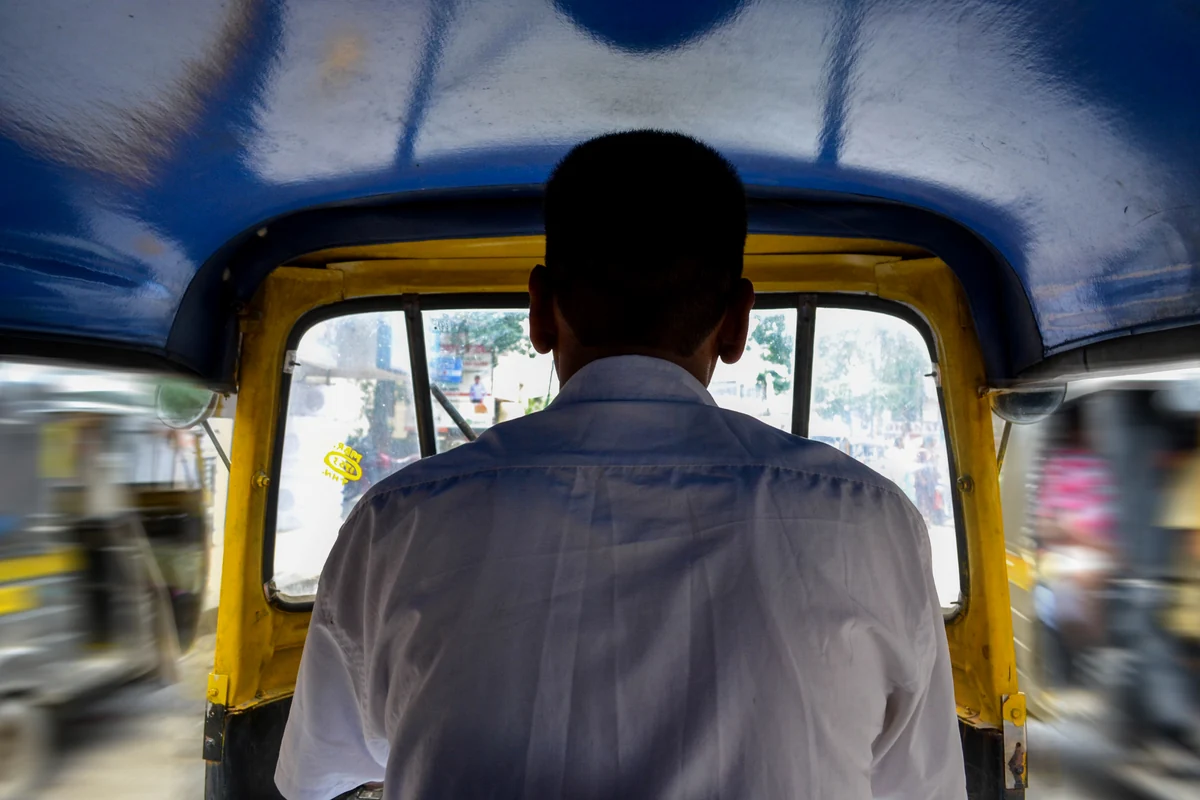
- Credited photograph — Mumbai auto-rickshaws
- US Federal Trade Commission | Travel scam guidance
- India Ministry of Home Affairs | Financial cyber-fraud reporting
- India | National Cyber Crime Reporting Portal
