Choose MakeMyTrip or book with the operator
Use MakeMyTrip’s India storefront when its final price, booking conditions and support route suit your trip, and compare those three things with the airline, hotel or railway’s own offer before paying. If you already booked through MakeMyTrip, start in My Trips for your ticket, change or cancellation options, and refund status, while checking the operator’s rules for eligibility.
Compare the same product on both channels. For a flight, match the airports, dates, fare conditions and the baggage you need. For a hotel, match the room, occupancy, inclusions and payment schedule. Check the total at the last step before payment, where applicable service or convenience fees can appear. A headline price can reflect a different fare or room condition, so read the terms alongside the amount.
The support route matters most when you anticipate a change. For a booking made directly, check how the operator handles servicing and payment questions. With MakeMyTrip, check which requests you can submit from the booking and which conditions are set by the operator. For a flight, the airline’s policy can determine whether a change is allowed, while MakeMyTrip may handle the transaction under its agency terms.
If you search from the US, check which storefront and agreement apply before comparing offers. MakeMyTrip publishes separate India and US user agreements. The guidance here covers the India market. Use the currency displayed for the actual transaction and the written supplier conditions when comparing offers, especially if you switch storefronts or return to a saved search.
Read the price, deadline and confirmation
Open the conditions attached to the fare, room or ticket you selected. MakeMyTrip publishes product-specific terms, and supplier conditions can also apply. Check the amount due now, any later payment shown, the deadline for changing or cancelling, and any charges attached to the action you are most likely to need. If a deadline has a stated time or time zone, use that detail when deciding how late you can act.
A hotel booking amount may combine the hotel rate, tax, supplier service fees and a MakeMyTrip fee. Read which charges the displayed terms say are refundable and whether the conditions change after a deadline. For an offer that accepts part payment at confirmation, check when the balance is due and how it will be collected. Use the same comparison for a direct offer, where the amount due at booking can also differ from the total stay cost.
Once you pay, open the confirmation and check names, dates, the service booked, the amount charged and the reference numbers it supplies. Keep the confirmation and the price breakdown available for any later request. Before cancelling, reopen the transaction in My Trips and review the applicable conditions and any displayed refund or charge. That booking view is where you can check how the general terms apply to your purchase.
| What you need to check | Reference to look for | Where to start |
|---|---|---|
| MakeMyTrip booking, payment or refund status | MakeMyTrip trip ID | My Trips on the website or app |
| Airline reservation or ticket details | Airline PNR or e-ticket number | Your flight confirmation, then the airline for reservation details |
| Hotel reservation and property arrangements | Hotel confirmation code, if provided | The property for stay details and your booking channel for payment or cancellation |
| Rail reservation status | Railway PNR | The current PNR status, then your booking channel for any ticket action |
Change or cancel a flight
For a flight bought through MakeMyTrip, open the itinerary in My Trips and select the relevant change or cancellation option. The options displayed depend on the airline’s policy and the change requested. Check which passengers and flight segments the action covers before you confirm. If the booking includes optional flexibility, read the terms you bought and see whether they cover the action you intend to take.
An airline schedule change and a change you request can raise different questions. If the airline has moved a departure, check the latest flight details with the airline and review the notice attached to your booking. Use My Trips to see how MakeMyTrip handles the proposed change or refund for that transaction. Have the airline PNR or e-ticket number handy for the reservation and the trip ID for the MakeMyTrip order.
Say you need to move your return flight by one day and My Trips displays both a change option and a cancellation option. Compare the full amount payable for the change with the cost of the replacement flight after accounting for any refund shown on the original. Check the replacement fare’s baggage and conditions as well. If the refund amount is still unclear, establish it before using it to decide which option costs less.
Domestic airlines in India and their fare and baggage rulesHow to check in online with Air India
Check hotel payment and property arrangements
Compare hotel offers for the full stay and the actual group size. A room listing gives you a starting point, while the selected rate tells you what the booking includes. Check any breakfast or other inclusion you are counting on, the occupancy entered, the payment schedule and the cancellation deadline. If the stay depends on a particular room feature, check whether it appears in the written reservation or needs separate confirmation from the property.
Suppose your flight lands after midnight and you want a room available as soon as you reach the hotel. Confirm which night to reserve and ask the property how to record your arrival time. A booking that starts later that same calendar day may have a check-in window after you arrive. If the property asks you to change the reservation, check the rate and cancellation consequences in your booking channel before acting.
Contact the property about room access, arrival and other arrangements it controls. Use the booking channel to check what a date change or cancellation would do to the price you paid. If the property agrees to a change that affects a prepaid booking, ask for written confirmation of what it agreed to and check how the change is recorded with MakeMyTrip. Keep the booking reference and the updated dates together.
Check rail status before relying on a ticket
For a train booked on MakeMyTrip, look up the railway PNR and read the current status for each passenger. CNF means confirmed, RAC means reservation against cancellation, and WL means waitlisted. A MakeMyTrip order and a railway reservation status describe different parts of the purchase. The trip ID identifies the order, while the railway PNR lets you check the reservation. Use the current passenger statuses and railway rules when deciding whether you can travel.
IRCTC treats an e-ticket on which every passenger remains waitlisted after charting differently from a ticket with mixed passenger statuses. Check the status after charting where relevant, and read the official conditions for that combination. A PNR can cover several people, so open the passenger-level details before deciding what the whole group can do. If the group needs to travel together, use those details when deciding whether to arrange an alternative.
MakeMyTrip’s optional Alternate Trip offer has its own written conditions. If you see it during checkout, read what triggers the benefit, how railway status at charting affects it and which fee categories the terms cover. Check the form of the benefit before counting it toward the cost of an alternative. The railway PNR remains the reference for checking whether your original rail reservation has confirmed.
Distinguish a rail cancellation from a TDR claim
MakeMyTrip’s rail guidance distinguishes ordinary cancellation from a Ticket Deposit Receipt claim, commonly called a TDR. The concerned zonal railway decides the eligibility and amount of a TDR claim under the railway rules. For a cancelled train or a problem discovered after charting, read the rule for that event and check the action shown against your ticket. The relevant deadlines depend on the circumstances and the current rule.
The IRCTC refund rules dated 19 January 2026 distinguish confirmed, RAC and waitlisted tickets and set conditions by time. To verify what applies, find the current official rules, check the document date, then match the event and ticket status to the rule. Use the live booking notice to check the available action through the channel that issued the ticket. A timing limit you used for an earlier journey may apply to a different situation.
Suppose one passenger is confirmed and another is RAC on the same e-ticket, and both decide to cancel. Look up the mixed-status provision and check whether it requires cancellation for all passengers within its stated time. If the confirmed passenger plans to travel, check the rule for that different outcome before cancelling or filing a claim. The original PNR and current passenger statuses are the details you need to identify the relevant provision.
| Issue | First record to open | Who determines the rule or result |
|---|---|---|
| Airline changed the schedule | Carrier notice and the MakeMyTrip flight itinerary | Airline schedule, ticket terms and booking-channel handling |
| Request to change a hotel stay | Selected room confirmation and cancellation deadline | Hotel or supplier conditions for the room and dates |
| Rail e-ticket before charting | MakeMyTrip rail booking and current PNR status | Indian Railways cancellation terms for the ticket status |
| Rail Ticket Deposit Receipt claim | Booking’s TDR route and the current IRCTC rules | Concerned zonal railway determines eligibility and amount |
| Refund amount differs from the initial total | Itemised original payment, cancellation confirmation and refund record | Compare amount and line-item terms with official support |
Follow up on a booking problem or refund
For a MakeMyTrip purchase, retrieve the booking in My Trips before starting a support request. Check what the page says about the booking, the cancellation or change, and the refund. If you have already submitted a request, keep any acknowledgement and note which passengers, room nights or segments it covers. That helps you check whether the status on screen applies to the part of the purchase you are following up on.
Use the operator for current service information and the booking channel for transaction follow-up. If a flight time has changed, check the airline’s current information and keep the notice with your itinerary. If the hotel reports a reservation problem, ask the property what it sees and use the booking channel to check the status of the payment or amendment. For rail, check the railway status and the available action on the ticket.
If an amount shown or received differs from what you expected, compare the original price breakdown, the terms for the affected service and any cancellation or change acknowledgement. Check whether the figure shown is a deduction, a refund or the price of a replacement. Ask the booking channel about the specific line item and use the reference for that transaction. For a purchase made directly, use the operator’s confirmation and its own servicing route.
A booking identifier and a service identifier answer separate questions. MakeMyTrip’s order can identify the transaction handled by its support team. The flight number and airline PNR identify the carrier’s booking and schedule, while the rail PNR gives the railway’s current reservation status. Keep the original confirmation and any revised document so each provider can match the correct service without relying on a screenshot of an earlier estimate.
Thomas Cook India holidays, customised tours and travel services
Sources
- MakeMyTrip India English user agreement
- MakeMyTrip India support official contact page
- MakeMyTrip India train cancellation and TDR page
- IRCTC current January 2026 cancellation and refund rules PDF
- IRCTC wait-listed e-ticket rules
- MakeMyTrip PNR lookup and category explanations
- MakeMyTrip named Alternate Trip offer conditions
- MakeMyTrip US user agreement, compare market
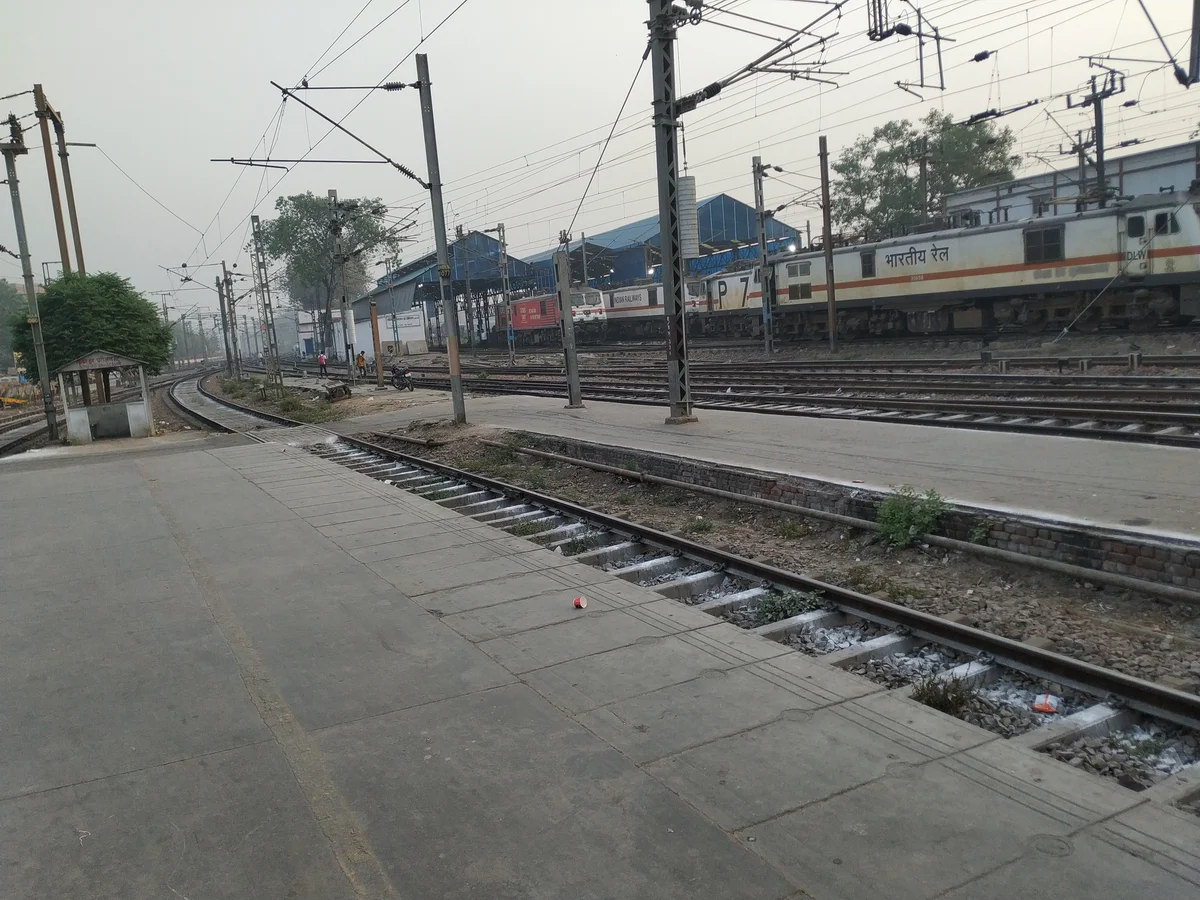
- New Delhi Railway Station platform photo by Ravi Dwivedi
- MakeMyTrip | Flight refund and cancellation guide
