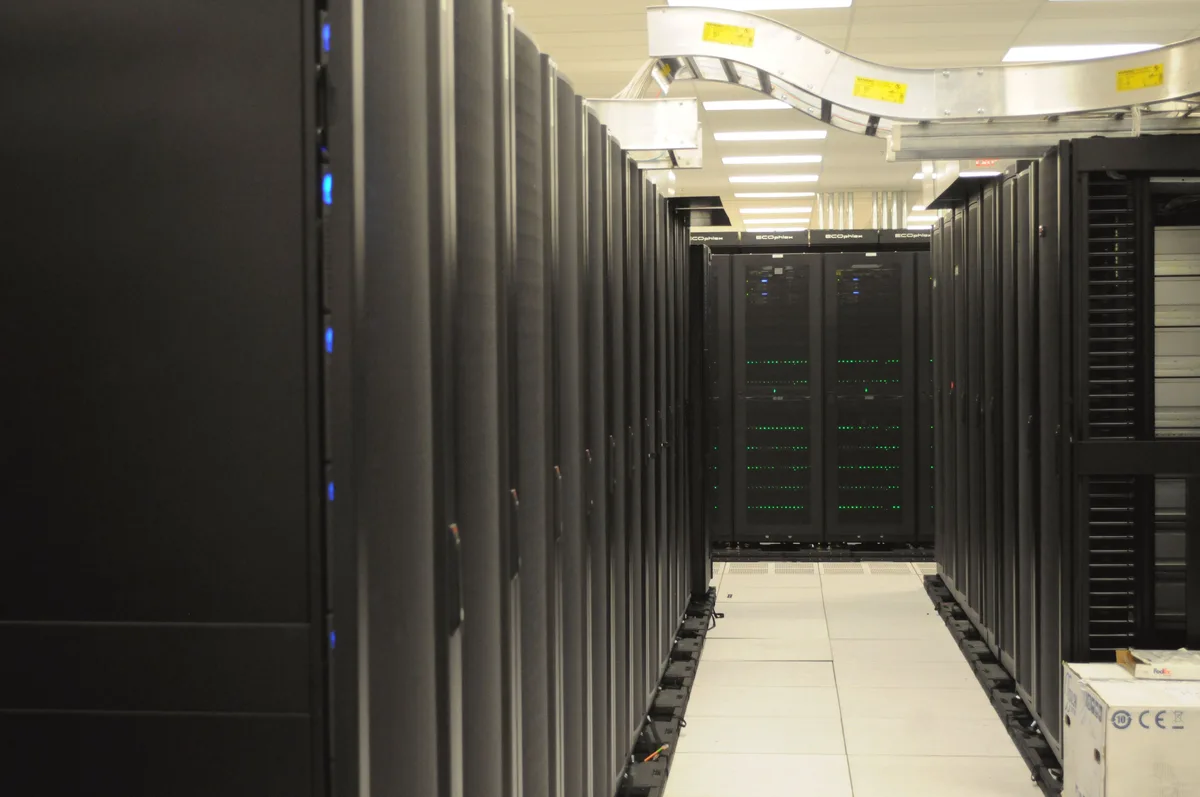
Compare the published physical servers
VirtualCloud lists the DS-Entry at ₹8,999 per month plus GST in Mumbai or Delhi NCR, the lowest published rupee base rate among the location-specific physical servers compared here. Cenmax lists two Mumbai bare-metal plans at $228 and $280 per month, while OVHcloud’s India-facing ADVANCE prices require a quote tied to the exact Mumbai model.
The comparison uses one row per published hardware configuration. The table records the operator’s stated location, physical cores, installed memory, raw drive capacity, public port, transfer terms and base price before separately applicable charges. VirtualCloud and Cenmax pair their physical rows with named Indian locations. The two OVHcloud rows show catalogue configurations whose prices and availability still need to be paired with Mumbai. A listed city establishes where the operator markets a model. A delivery commitment requires a separate check.
| Provider and model | Evidence scope | Location | CPU and RAM | Raw drives | Public port and transfer | Published monthly base |
|---|---|---|---|---|---|---|
| VirtualCloud DS-Entry | India location named | Mumbai or Delhi NCR listed | Xeon E-2388G, 8 cores, 32 GB | 2 × 960 GB NVMe | 1 Gbps, unmetered under acceptable-use terms | ₹8,999 + GST |
| VirtualCloud DS-Compute | India location named | Mumbai or Delhi NCR listed | 2 × Xeon Gold 6338, 64 cores total, 128 GB | 4 × 1.92 TB NVMe | 10 Gbps, unmetered under acceptable-use terms | ₹24,999 + GST |
| Cenmax E5-2667v4 | India location named | Mumbai listed | Xeon E5-2667v4, 8 cores, 32 GB | 2 × 480 GB SSD | 1 Gbps, 10 TB monthly | $280 |
| Cenmax E5-2680v4 | India location named | Mumbai listed | Xeon E5-2680v4, 14 cores, 128 GB | 2 × 480 GB SSD | 1 Gbps, 6 TB monthly | $228 |
| OVHcloud ADVANCE-1 2024 | India storefront only | India storefront, exact Mumbai pairing unverified | AMD EPYC 4244P, 6 cores, 32 GB DDR5 | 2 × 960 GB NVMe | 3 Gbps published, transfer terms to verify | From ₹11,700 before displayed tax |
| OVHcloud ADVANCE-1 2026 | India storefront only | India storefront, exact Mumbai pairing unverified | AMD EPYC 4245P, 6 cores, 32 GB on-die ECC DDR5 | 2 × 960 GB NVMe | 3 Gbps published, transfer terms to verify | From ₹16,250 ex VAT |
Check the product class before sorting by price. Cenmax’s $36 VDS1 has 2 vCPU, 8 GB of RAM and 50 GB of NVMe storage. Its VDS6 shares the $228 headline with a physical server on the same page. Match the CPU model and physical core count to the bare-metal row you intend to order. AWS EC2 Dedicated Hosts allocate a physical host for placing EC2 instances. Comparing that option requires its own region, instance availability, storage, egress and billing units. This comparison has no verified AWS rate.
- VirtualCloud physical server comparison and management terms
- VirtualCloud regional product matrix, provider check dated 3 November 2026
- VirtualCloud fair-use policy for the advertised unmetered network
- Cenmax Mumbai bare-metal rates and virtual counterexample
- OVHcloud Mumbai region and availability-zone identifiers
- OVHcloud India storefront ADVANCE specifications, starting prices
- OVHcloud full region and SKU availability filter
- AWS official Dedicated Hosts product distinction
- Cenmax India Mumbai dedicated server plans
- OVHcloud India-facing dedicated server location guide
Choose the city and verify the exact order
VirtualCloud lists the same prices in Mumbai and Delhi NCR for the DS-Entry and DS-Compute. That makes network performance and delivery timing useful ways to choose between the cities. For an application primarily accessed from northern offices, ask for a provider-supplied test endpoint in each candidate facility. Compare response times and variation from the networks those offices use, including during busy hours. If a test endpoint sits elsewhere in the provider’s network, ask how closely its routing reflects the proposed server.
OVHcloud identifies Mumbai as `ap-south-mum`, with `ap-south-mum-a` as the single availability zone in the cited region table. Open the provider’s bare-metal availability catalogue, select India – Mumbai, then locate the exact series and generation. Record whether the model can be configured, is available on request or is marked as coming soon. A catalogue extract can carry prices for several regions together. Use the amount shown on the exact Mumbai configuration or written quote.
Put the deployment city and delivery commitment on the order. VirtualCloud says it confirms delivery on the quote and uses third-party facilities. If an internal requirement names a facility or calls for an attestation, request the document for the site that will house the server. For a deployment that needs independent failure domains, find out which facilities and dependencies the ordered services actually use. A city listing supplies a location choice. The order and facility documents establish what that choice includes.
- VirtualCloud physical server comparison and management terms
- VirtualCloud regional product matrix, provider check dated 3 November 2026
- Cenmax Mumbai bare-metal rates and virtual counterexample
- OVHcloud Mumbai region and availability-zone identifiers
- OVHcloud full region and SKU availability filter
- OVHcloud India-facing dedicated server location guide
- AWS official Dedicated Hosts product distinction
Size CPU, memory and usable storage
VirtualCloud’s eight-core DS-Entry has 16 threads and 32 GB of RAM. The DS-Compute provides 64 physical cores and 128 threads across two Xeon Gold 6338 processors, with 128 GB of RAM. Use the physical core counts for an initial capacity comparison, then check how the application scales. A workload that waits on storage or depends heavily on single-thread performance may gain little from extra cores. For a database migration, look at peak memory, storage latency under writes and the time needed to run maintenance alongside normal traffic.
Drive figures describe the hardware installed. The DS-Entry’s two 960 GB drives give 1.92 TB of nominal raw capacity. If configured as a two-drive mirror, they provide roughly 960 GB of nominal capacity before filesystem overhead and operating system use. Ask which layout ships, who configures it and how much space remains for application data. Include logs, temporary files and the room a restore needs. Verify the replacement process and who brings the array back to a healthy state after a drive failure.
Treat processor model, memory and storage as separate buying constraints. Cenmax’s E5-2680v4 has 128 GB of RAM at $228 per month, while its $280 E5-2667v4 has 32 GB. Both list the same raw drive capacities, and their transfer allowances differ. OVHcloud’s ADVANCE-1 2024 and 2026 catalogue rows both have six cores, 32 GB of memory and two 960 GB NVMe drives, with distinct processor models. Use the generation and processor on the quote when comparing application benchmarks or checking software requirements.
Compare port speed and monthly transfer
A port rate in Gbps describes how fast traffic can move over the connection. A monthly allowance in TB describes how much counted data the plan includes over a billing period. Cenmax advertises a 1 Gbps port on both physical rows and gives the $280 E5-2667v4 a 10 TB allowance and the $228 E5-2680v4 a 6 TB allowance. Ask which directions count, when the period resets and what happens once you reach the allowance. Get the answer and any additional charges in writing before relying on either cap.
If an application delivers 8 TB each month and that traffic counts toward the cap, it already exceeds the 6 TB allowance on the cheaper Cenmax server. The 10 TB plan leaves 2 TB on the same counting basis. That margin needs to cover any additional counted usage, such as outbound backup copies or a busy release week. If the application also needs more than 32 GB of RAM, ask for a configuration that meets both constraints and compare its full cost.
VirtualCloud describes its dedicated connections as unmetered at the chosen fixed port of 1 or 10 Gbps, subject to its acceptable-use terms. Check those terms for the way you expect to use the port, especially if sustained traffic is central to the purchase. OVHcloud’s ADVANCE-1 2026 catalogue configuration lists 3 Gbps public and 25 Gbps private. Use the public figure for internet-facing capacity. Check which private connectivity options and terms apply to the exact deployment if replication or traffic between servers matters to the design.
Calculate the first-year and renewal costs
VirtualCloud publishes ₹0 setup on a 12-month term and quotes shorter terms separately. Twelve months at the DS-Entry base price total ₹1,07,988 before GST and add-ons. Adding the advertised ₹4,999 monthly management option for all twelve months brings the total to ₹1,67,976 before GST. That puts a ₹59,988 annual price on the management option. Confirm the payment schedule separately. A rate expressed per month and a 12-month commitment leave open whether the provider invoices monthly or collects a larger amount upfront.
Cenmax’s $228 base price comes to $2,736 over twelve months before extra charges and currency conversion. Its published rupee examples use an illustrative ₹95 per US dollar. Build the budget from the quote currency and the conversion terms your payment method actually applies. Get setup, tax and payment schedule fields from the order. If finance compares offers in rupees, record the conversion rate and its basis alongside the estimate so the total can be updated when payment is due.
| Quoted configuration | Monthly basis | Setup in example | Twelve-month arithmetic | Items to confirm |
|---|---|---|---|---|
| VirtualCloud DS-Entry | ₹8,999 | ₹0 on 12-month term | ₹1,07,988 before GST | Confirm commitment, city inventory and add-ons. |
| VirtualCloud DS-Entry with published management | ₹13,998 | ₹0 on 12-month term | ₹1,67,976 before GST | Check backup and restore scope and exact management terms. |
| Cenmax physical E5-2680v4 | US$228 | Unverified | US$2,736 base only | Confirm setup, tax, invoice currency and exchange-rate costs. |
| OVHcloud ADVANCE-1 2024, India storefront example | From ₹11,700 | ₹11,700 | ₹1,52,100 before displayed tax | Confirm exact Mumbai availability and installation separately. |
| OVHcloud ADVANCE-1 2026, India storefront example | From ₹16,250 | ₹16,250 | ₹2,11,250 before displayed tax | Confirm exact Mumbai availability and installation separately. |
OVHcloud displays ₹11,700 installation on the ADVANCE-1 2024 and ₹16,250 installation on the ADVANCE-1 2026 alongside their respective starting rates. Treat those as India storefront figures pending exact Mumbai pricing. The advertised November setup waiver names specified Advance-5 and Scale models, with stock and eligibility conditions. For budgeting, record installation, any confirmed discount, the recurring service and add-ons, and renewal pricing as separate amounts. That makes an upfront discount easy to compare with the cost of keeping the server after the initial term.
The OVHcloud storefront arithmetic includes twelve advertised base charges and the published one-time installation line. The 2026 example is ₹16,250 multiplied by 13, or ₹2,11,250 before the displayed tax. Check whether the exact Mumbai product can be configured on those terms. The provider’s dated November setup waiver lists specific other models and a fixed purchase window. An offer on a different row changes neither the cost nor the location of this comparison.
Define management, uptime and recovery duties
VirtualCloud describes its basic service around hardware, power and network. Its management option adds operating system updates, hardening and monitoring as described by the provider. Cenmax describes the compared physical plans as unmanaged and lists one IPv4 address plus IPv6 for each. If a team can patch its own software but needs overnight incident response, check what the provider monitors, who receives an alert and which actions support will take. The value of a management fee depends on which tasks the written scope actually covers.
VirtualCloud separately cites 99.99% for infrastructure and network, with credits on affected service fees. Read the agreement for the measurement period, exclusions and procedure for claiming a credit. For application availability, work from the components your users depend on, including the software, its data and their connectivity. Ask how support handles a failed server, what replacement process applies to the model and when any stated response commitment starts. Those terms help determine how long your team might need to run from another system.
Assign backup and restore duties explicitly. Ask where copies are stored, who checks that jobs complete and who can restore data if the server becomes unreachable. Match retention to the amount of history the application needs, and estimate restore time using the size of the data and the links available to move it. If recovery depends on provider staff, identify what they will restore and when that service is available. Those answers belong in the purchase decision alongside CPU, storage and transfer.
- Get the exact model, city, drive layout and promised handover date on the quote.
- Ask for the recurring total, upfront amount, invoice currency, tax treatment and renewal terms.
- Record the port speed, counted transfer, reset period and enforcement terms.
- Assign responsibility for monitoring, patching, hardware replacement, backup storage and restores.
For a migration, ask each provider to name the party responsible for the server, operating system, application, backups and recovery, then record the support channel for each. Request the agreed response window and a tested recovery objective suited to the application. A network or infrastructure service credit concerns an agreement with the provider. The recovery plan tells you how your site and its data would resume service.
Mobile app development companies in India and how to compare themEcommerce development companies in India and how to compare bids
Sources
- VirtualCloud physical server comparison and management terms
- VirtualCloud regional product matrix, provider check dated 3 November 2026
- VirtualCloud fair-use policy for the advertised unmetered network
- Cenmax Mumbai bare-metal rates and virtual counterexample
- OVHcloud Mumbai region and availability-zone identifiers
- OVHcloud India storefront ADVANCE specifications, starting prices
- OVHcloud full region and SKU availability filter
- OVHcloud dedicated hardware and dated November offer terms
- AWS official Dedicated Hosts product distinction
- CC0 documentary photo: NERSC server rack fronts
- Cenmax India Mumbai dedicated server plans
- OVHcloud India-facing dedicated server location guide
